Create chord progressions for guitar, piano or any instrument. Choose a key, mood and length. Listen and play along.
Four mood settingsInstant previewWorks for any instrumentFree to use
SETTINGS
Generated progression
CI
Amvi
FIV
GV
Loop preview
Chord diagrams
C
Am
F
G
FROM CHORDS TO A SONG
Give the progression a melody.
Start with a short phrase you can sing or play. The generator supplies harmony; your rhythm, melody and arrangement shape the song.
Choose a key you can comfortably use
If you already have a melody, try a key that fits its range. If you are starting from scratch, begin with a familiar key on your instrument. After changing Key, Mood or Length, press Generate progression to apply the settings.
Listen to the whole loop
The preview holds each chord for four beats and repeats the sequence. Listen to the last chord moving back to the first, then hum a short melody over it. Changing the tempo stops playback; press Play again to hear the new pace. The preview is a simple synthesized sketch, not a guitar strumming pattern or a finished piano arrangement.
Save one idea before trying another
Copy chords saves the chord names to your clipboard. Export .txt saves the names, Roman numerals and selected BPM. Keep one idea for a verse before generating a contrasting chorus. Regenerate replaces the current sequence; there is no saved-history or undo control.
READ THE HARMONY
Same movement. A different key.
C–Am–F–G becomes G–Em–C–D
Both sequences follow I–vi–IV–V. The numerals describe each chord’s place in the key: uppercase means major, lowercase means minor, and ° means diminished. This makes it easier to understand a pattern independently of its chord names.
Changing Key and generating again can also select a different pattern. This interface does not lock the current progression for transposition. To preserve the exact movement, keep the numerals you exported as a reference.
Why A minor can contain E major
A minor-key pattern may use a major V chord. In A minor, E major contains G♯, which can pull toward A even though A natural minor contains G. That note is intentional; the generator uses a major V when the selected minor pattern calls for the fifth degree.
Mood is a starting suggestion
Hopeful, Dreamy, Melancholic and Energetic select different pattern banks. They do not guarantee an emotion or musical genre. Try a different rhythm, register or melody before discarding a progression that sounds plain in the preview.
METHOD & LIMITS
How the generator chooses chords.
This is a template-based generator, not an audio analyzer or an AI composing a complete song. Each mood has three four-chord patterns for major keys and three for minor keys. A pattern is chosen at random and mapped to your selected key. Eight-chord results join two selections, so a four-chord phrase can repeat.
Regenerate can return the same sequence. The tool does not check whether a progression has appeared in another song or promise a unique composition. Guitar and piano tabs change the reference diagrams, not the preview sound.
Writing alongside a recording? Use Song Key Finder to estimate its key and BPM Finder to check its pace. To estimate the chords in the recording itself, use Chord Finder.
ONE KEY. A LITTLE MOVEMENT.
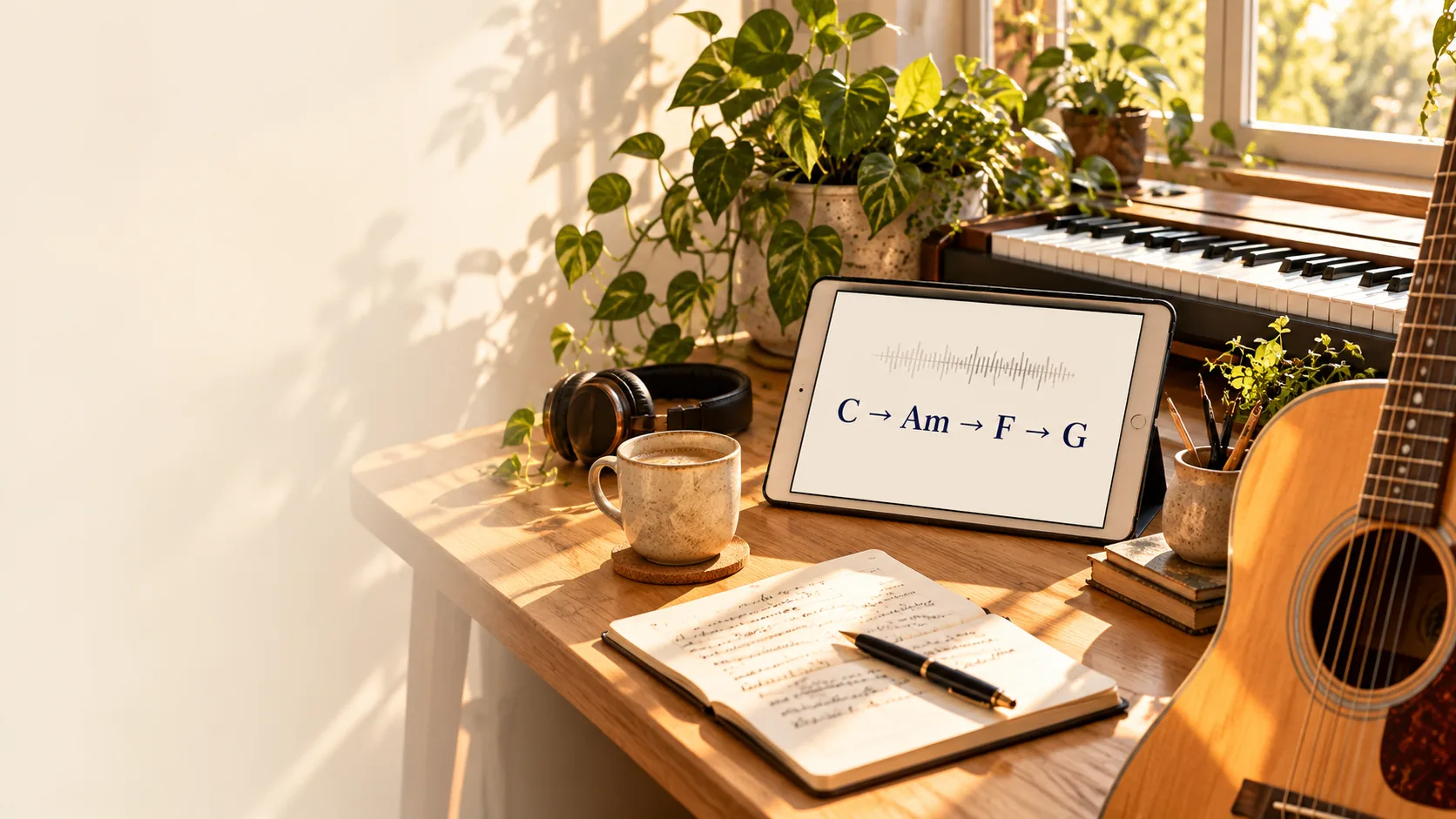
C → Am → F → G
I · vi · IV · V
LEARN MORE
What is a chord progression?
A chord progression is a sequence of chords that creates the harmony of a song. It sets the mood, builds tension and resolution, and forms the foundation for your melody.
Progressions are used in almost every genre of music, from pop and rock to jazz and lo-fi, and they're a great starting point for songwriting.
No. Export .txt downloads chord names, Roman numerals and the selected BPM. You can enter those chords into your DAW or notation software to create an arrangement.
Do Guitar and Piano change the sound?
They change the chord diagrams only. Both tabs use the same synthesized chord preview.
Can I edit one chord or undo a result?
Not in this version. Regenerate replaces the sequence. Copy or export a result before trying another, then edit individual chords in your own notes or music software.
Do I need an account or an audio file?
No. Generation and preview run in your browser without an account. This tool creates chord sequences from patterns; it does not analyze uploaded music.
KEEP EXPLORING
More music tools for your creativity.
Find the key, hear the harmony, and play along.
Start from a song you know
To write progressions that fit an existing song, start with its key: the Song Key Finder estimates it from a recording, and the Chord Finder shows which chords the song actually uses. Check the tempo with the BPM Finder so you can practice your new progression at the same speed. Choose the key here by hand; the tools do not share results.